
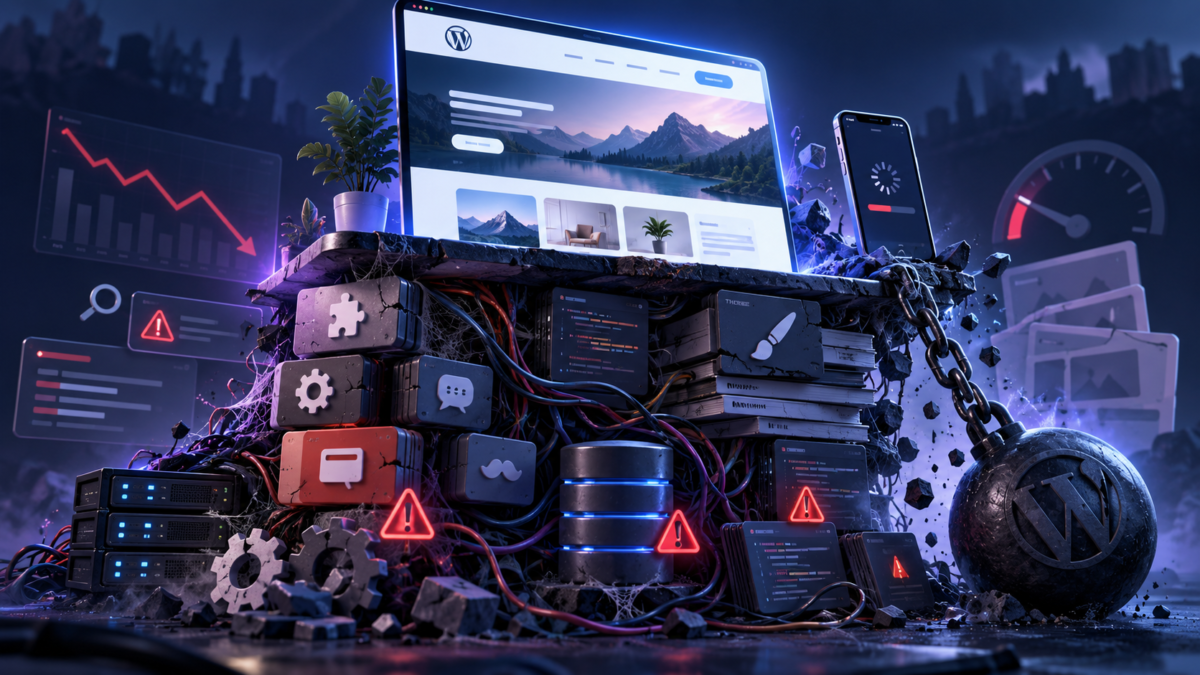
The problem is not that every old plugin is bad or that every visually rich theme is unsuitable. Age, design and plugin count are poor diagnostic shortcuts. The real questions are whether the software is maintained, compatible, secure and proportionate to the work it performs.
WordPress is a connected runtime, not a collection of isolated parts
On a typical request, WordPress loads its core, the active theme and active plugins before it generates the final page. Plugins may query the database, call external services, modify HTML, register scripts and styles, schedule background jobs or intercept requests. The theme controls templates and visual presentation, but modern multipurpose themes may also include page builders, animation systems, font libraries, sliders, icon sets and large collections of reusable components.
Each component can be reasonable on its own. Problems emerge when their combined cost exceeds the server, browser or maintenance capacity available to the site.
What “old plugin” should actually mean
A plugin is not dangerous merely because its first version was released many years ago. Mature software can be efficient and dependable. The warning signs are different:
- it has not been tested with current WordPress or PHP versions;
- the developer no longer publishes security or compatibility updates;
- support requests and known bugs remain unresolved;
- it relies on deprecated PHP functions or old WordPress APIs;
- it modifies data in ways that make migration difficult;
- it performs expensive work on every request even when its functionality is not needed;
- the business depends on it, but nobody understands or maintains the code.
An old but maintained plugin may be safer than a new plugin built carelessly. Conversely, a plugin that appears to work can still produce hidden warnings, inefficient queries or security exposure. “The page still opens” is not a sufficient compatibility test.
How outdated plugins create technical problems
Compatibility failures
New PHP and WordPress versions deprecate or change older behaviour. Legacy code may trigger warnings, break administration screens, fail during form submission or cause a fatal error only on a specific template. Owners then postpone platform updates because one plugin cannot move forward, turning a local compatibility issue into site-wide technical debt.
Security exposure
Plugins and themes run with access to the WordPress environment and often to database operations. Poor validation, outdated dependencies or abandoned update channels can create an attack surface. The official WordPress hardening guidance emphasizes layered security, regular backups and careful handling of updates because a failure can affect files, data and administration access.
A compromised website can be used to publish spam, create redirects, inject links or serve different content to crawlers and visitors. At that point security and SEO are no longer separate topics: the integrity of the content and the reliability of the domain are directly affected.
Database and background workload
Some plugins create large option records, autoload data on every request, leave tables after removal, run frequent scheduled tasks or generate repeated database queries. Others make remote API calls while building a page. These operations increase server response time before the browser receives any HTML.
This is why a website may feel fast after the cache is warm but respond slowly to the first visitor, a newly published page or a request that bypasses cache. Page caching can conceal expensive processing; it does not remove the underlying cost.
Assets loaded where they are not needed
A plugin may add its JavaScript and CSS to every page even though its widget appears only on the contact page. Several plugins can each load a framework, icon font or tracking script. The browser must download, parse and sometimes execute all of it. On slower phones, execution cost can matter more than file size alone.
Why beautiful themes can become heavy themes
Commercial themes often compete by offering hundreds of layouts and effects. Their screenshots sell possibility: sliders, video backgrounds, animation, mega menus, interactive portfolios and many typography options. The visitor, however, does not experience the feature list. The visitor experiences the final page.
A visually ambitious theme can introduce several forms of cost:
- large CSS bundles covering components that are not used on the page;
- JavaScript for animations, sliders, sticky elements and builder controls;
- deeply nested markup that increases DOM size and style calculation;
- multiple font families, weights and icon libraries;
- large hero images and decorative backgrounds;
- layout shifts when fonts, banners or dynamically sized elements appear;
- mobile layouts that preserve desktop decoration instead of prioritizing content.
None of these features is automatically wrong. A strong visual element may support the brand and improve comprehension. The issue is whether its value justifies its performance and maintenance cost. A hero video that delays the primary message, or an animation that blocks interaction, is design working against the business goal.
The connection between plugins, themes, users and technical SEO
Slow loading changes what users can do
Visitors do not experience performance as a number. They experience waiting for the main content, tapping a button that does not respond and watching text move while the page loads. Core Web Vitals formalize important parts of this experience through loading performance, responsiveness and visual stability.
Google recommends good Core Web Vitals for Search and for users, while also explaining that page experience is not a single ranking switch. Relevant, useful content remains essential. The practical relationship is therefore cumulative: a heavy theme cannot make weak content valuable, but unnecessary technical friction can make valuable content harder to use and less competitive.
Rendering complexity affects search processing
Google documents crawling, rendering and indexing as distinct stages for JavaScript-powered pages. If a theme or builder hides essential content behind client-side execution, delayed requests or interaction, search systems have more work to do and more opportunities to receive an incomplete result.
This does not mean every JavaScript feature is harmful. It means that navigation, headings, primary text and important links should remain robust when optional scripts fail or load slowly.
Instability damages crawlability and trust
Compatibility faults may generate 500 errors, incomplete HTML, redirect loops or missing metadata. Security incidents may inject spam or redirect search visitors. A theme update may alter heading structure, canonical output or mobile navigation. These issues directly affect how reliably pages can be crawled and understood.
Mobile users pay the highest cost
Heavy pages are usually developed and approved on fast desktop computers. Real visitors may use mid-range phones, slower connections and browsers with limited memory. The same bundle that appears acceptable on a developer’s workstation can produce long tasks, delayed interaction and an obstructed first screen on mobile.
Common claims that need more nuance
“Too many plugins make WordPress slow”
The number alone proves little. Twenty small, well-written plugins may create less work than one complex page builder. Audit execution time, queries, remote requests and front-end assets rather than counting icons in the Plugins screen.
“A perfect speed score will improve rankings”
A high lab score is useful evidence, not a ranking strategy. Field data, server reliability, mobile usability, content quality and search intent still matter. Google explicitly warns against focusing on a perfect score solely for SEO.
“Never update a working website”
Blind updates on a production site are risky, but indefinite delay is not a safe strategy. The better process is backup, staging, compatibility testing, controlled deployment and monitoring. Legacy code should be updated, replaced or deliberately contained before it blocks necessary platform and security updates.
A practical audit for plugins and themes
- Create an inventory. Record the purpose, owner, version, update history and business importance of every plugin and custom component.
- Identify abandoned dependencies. Check compatibility with current WordPress and PHP versions and whether active support still exists.
- Test safely. Use a current backup and a staging environment before major updates or replacements.
- Measure server work. Examine response times, slow queries, scheduled jobs, autoloaded options and external requests.
- Measure browser work. Inspect CSS, JavaScript, fonts, images, DOM size and long main-thread tasks on representative pages.
- Test uncached and cached requests. A cache hit and a first-time request reveal different problems.
- Check real templates. Test the homepage, posts, archives, forms, search, checkout and any custom content types.
- Review mobile interaction. Verify navigation, cookie consent, forms and primary calls to action at realistic phone widths.
- Decide deliberately. Keep, configure, refactor, replace or remove each component based on evidence and business value.
The goal is controlled complexity
A successful WordPress website does not need to be visually plain or stripped of useful features. It needs technical discipline. Every plugin and design component should solve a real problem, load only what it needs and remain maintainable as WordPress, PHP and browser standards evolve.
When design, development, performance and SEO are treated as one system, the result is not only a faster website. It is a website that is easier to update, safer to operate, clearer to crawl and more pleasant for people to use.
Primary sources
- WordPress Developer Resources: Hardening WordPress
- Google Search Central: JavaScript SEO basics
- Google Search Central: Core Web Vitals and Search
- Google Search Central: Page experience in Search
- Google Search Central: How Google Search works
What causes the most technical debt on your WordPress site?
Results
0 confirmed votes